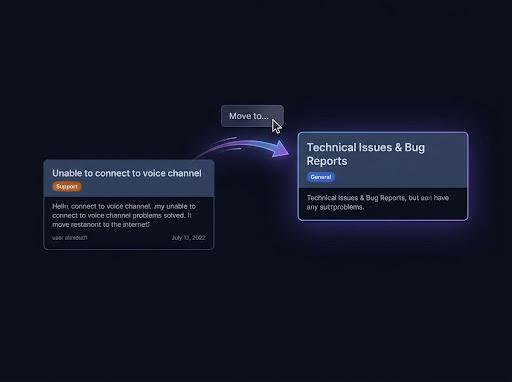
Move into an existing thread
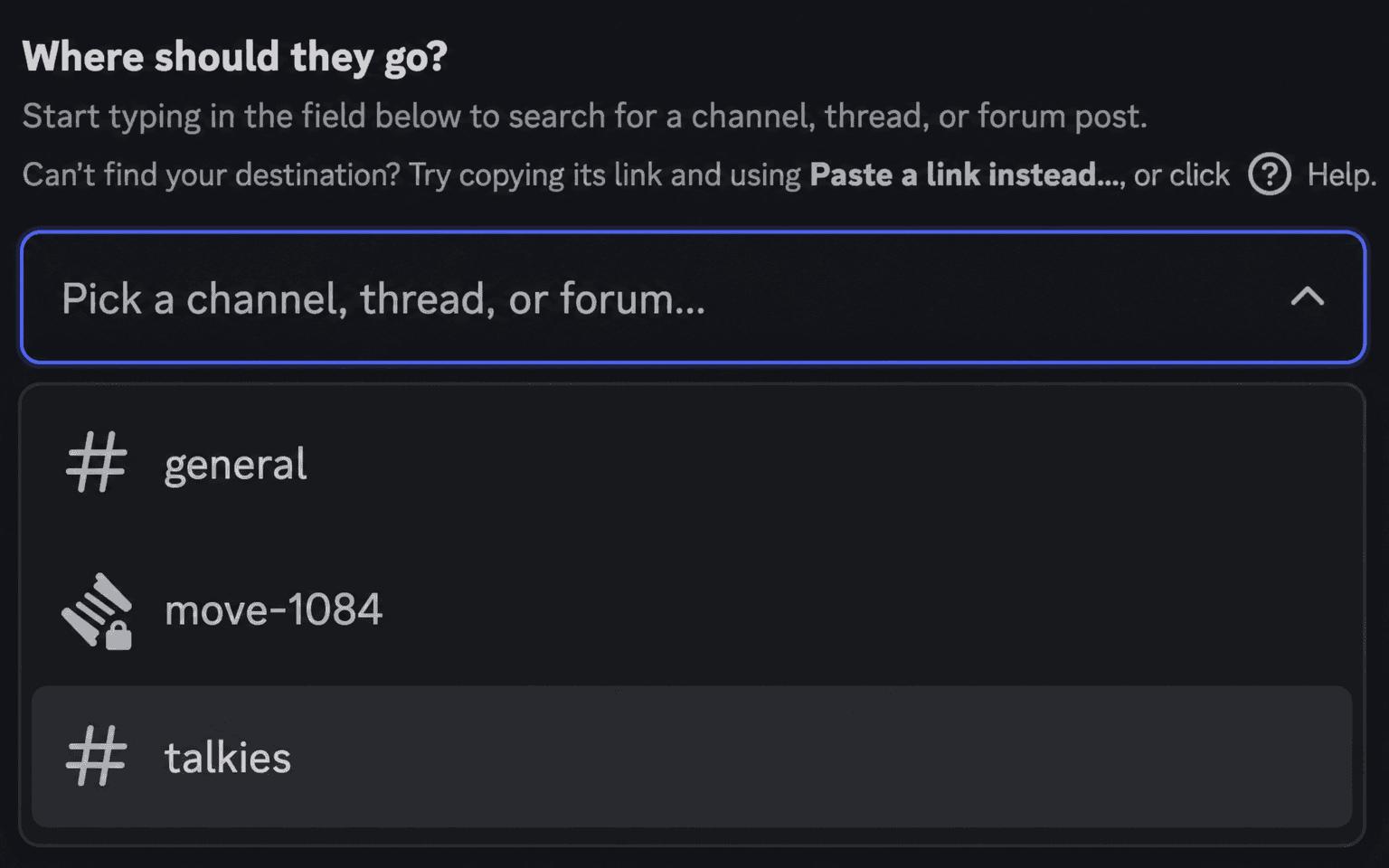
Search for the thread in the destination picker, or paste a Discord link. Public, private, and announcement threads are accepted. The messages are merged into that thread in their original order.
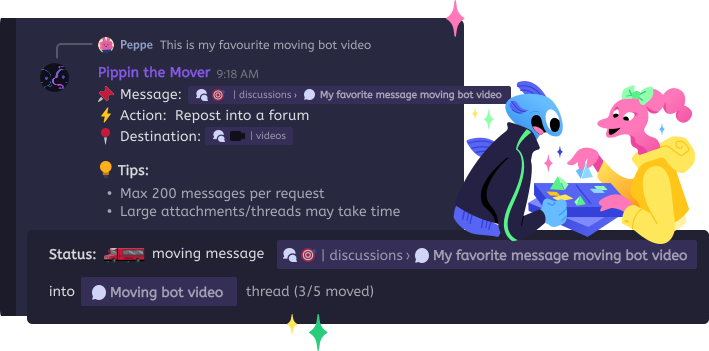
Discord has no native way to move messages into a thread. With Pippin, right-click the first message, then Apps, then Move. Pick an existing thread, or wrap the messages in a new public or private thread. Choose how many. The author, avatar, media, and reactions stay with the messages.
Search for the thread in the destination picker, or paste a Discord link. Public, private, and announcement threads are accepted. The messages are merged into that thread in their original order.
Pick a text or announcement channel, then choose Yes (public) or Yes (private) when Pippin asks whether to wrap the messages in a new thread. Pippin names the thread from the source and copies the auto-archive duration. The new thread opens with a disclaimer: the original author, the timestamp, and a jump link back to the source.
A private thread is only visible to its members. Pick one that already exists, or create one from the messages. The person running the move has to be able to see both sides. Pippin checks that before it copies anything.
Step by step
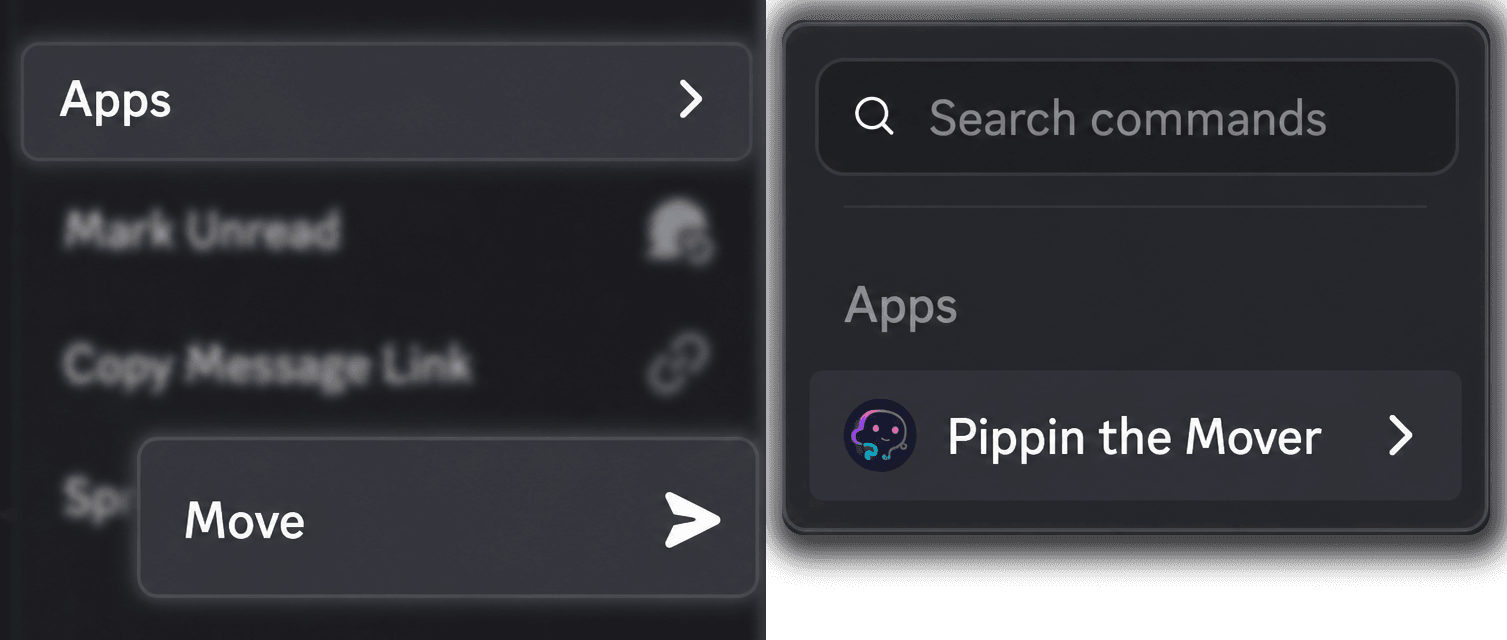
Choose Apps → Move. That message is the start of the range. In a text channel the wizard opens in a private setup thread, which deletes itself about sixty seconds after a successful move.
Select an existing thread, or a channel if you want Pippin to create a public or private thread for these messages.
Just this message, a preset, everything below, or a custom amount from 1 to 200. Pippin previews the last message in the range before you confirm.
Ready to roll? shows the cost. After the move, Pippin asks whether to delete the originals. If you do not answer, it keeps them.
How Pippin helps
One misplaced reply goes into the thread. Nothing after it moves.
Take the next few messages, or type a number from 1 to 200. One run stops at 200.
From the message you started on, through the end of the visible range, up to 200 messages.
Only members who were @mentioned in the original message bodies get pinged. Otherwise no one is pinged.
Webhook reposting keeps the author's server nickname and avatar. Attachments, GIFs, and links stay. Emoji reactions are recreated.
Discord does not let a bot recreate reply links. Messages keep their order and arrive as ordinary messages.
Each copied message counts as one move. Creating the new thread can add one extra move. The free plan includes 300 moves per month.
The count step is documented at https://docs.pippin.gg/actions/move-range/ and https://docs.pippin.gg/actions/move-this-below/. Private threads: https://docs.pippin.gg/actions/private-threads/. Moving between channels in general: /move-discord-messages.
Step by step
Join the Pippin Discord to try message, thread, forum-post, and conversation moves in a live test environment with no subscription, no credit card, and no move limits on the support server.
 Join & try for free
Not with Discord itself. There is no built-in move. Pippin adds one: right-click the first message, choose Apps → Move, then pick an existing thread or wrap the messages in a new public or private thread. The author name, avatar, media, and reactions stay.
Right-click the message, or open ⋯, then Apps → Move. Search for the thread or paste a Discord link to it. Choose how many messages, from just that one up to 200, and confirm.
Yes. Pick an existing private thread, or pick a channel and choose Yes (private) when Pippin asks whether to wrap the messages in a new thread. Only members of that private thread can read it. You need access to the source and the destination, and Pippin checks that before anything moves.
Only members who were @mentioned in the original message bodies get pinged. Otherwise no one is pinged.