The whole thread, not a copy-paste
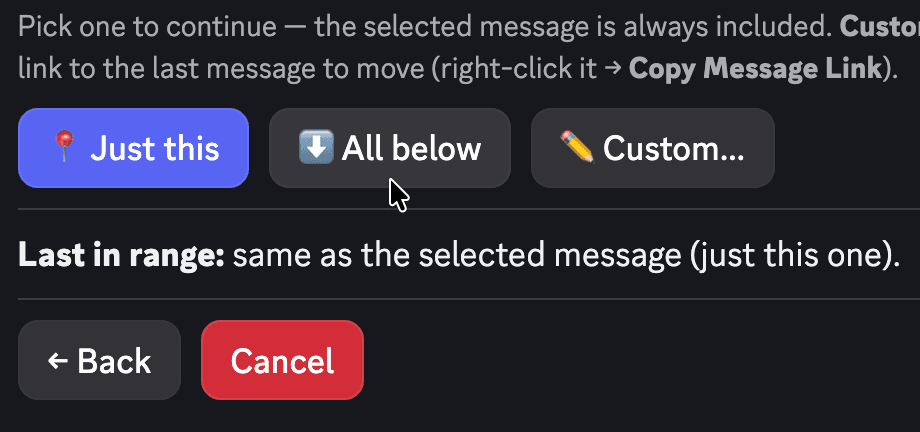
Run Move on the thread's first message and choose 'All below' — Pippin reposts every reply in sequence, so the destination reads exactly like the original conversation.
Discord thread mover
A support thread started in #general. An event plan buried in the wrong channel. A private thread that should be public. Pippin moves the entire thread — every reply, attachment, and reaction — instead of making you rebuild it message by message.
Run Move on the thread's first message and choose 'All below' — Pippin reposts every reply in sequence, so the destination reads exactly like the original conversation.
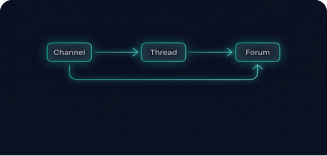
Wrap the conversation into a new public or private thread at the destination, drop it into an existing thread, or flatten it into regular channel messages when the thread format no longer fits.
Move out of private threads, into existing private threads, or recreate the conversation as a new private thread — with permissions checked before anything moves.
Choose Apps → Move. Starting from the first message means 'All below' captures the entire thread.
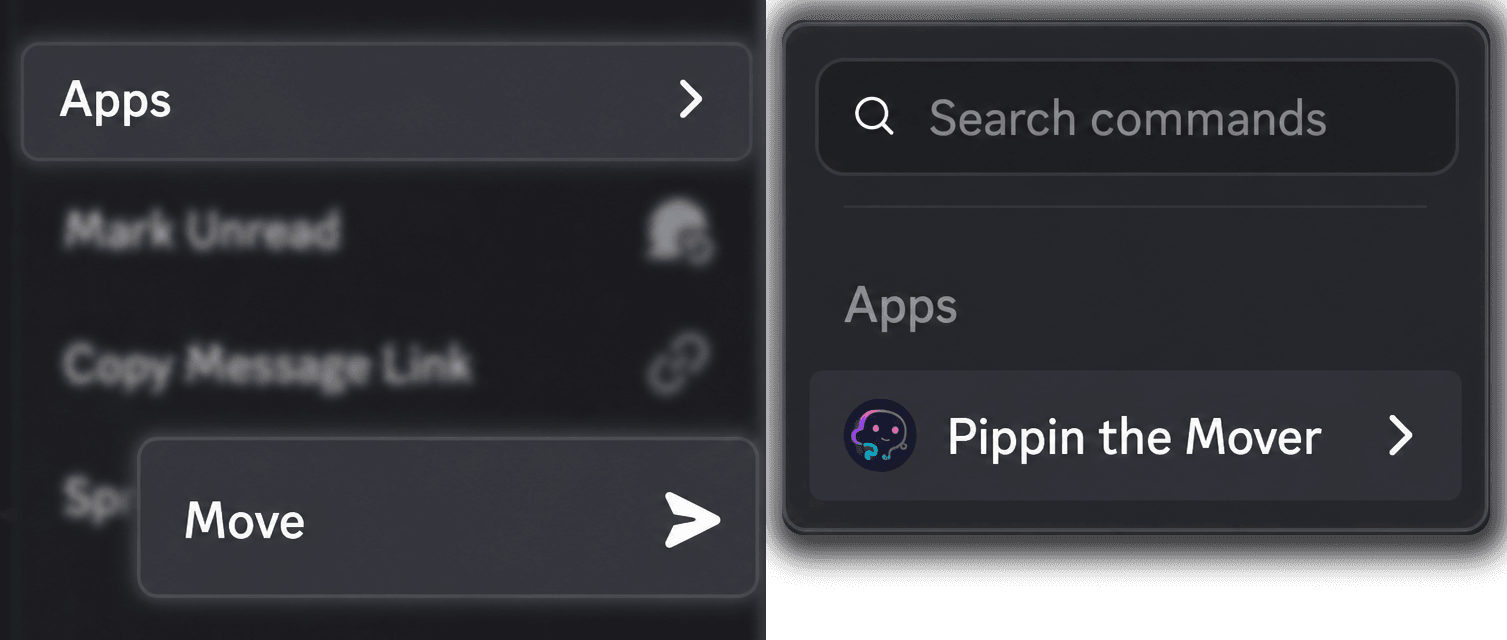
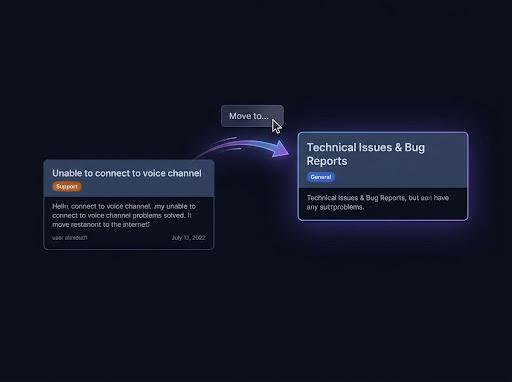
Search for the destination or paste a Discord link — a channel, another thread, or a forum. The picker only shows destinations that work.
Select 'All below' to take the whole conversation. If the destination is a regular channel, Pippin then asks 'Wrap into a new thread?' — public, private, or no thread at all.
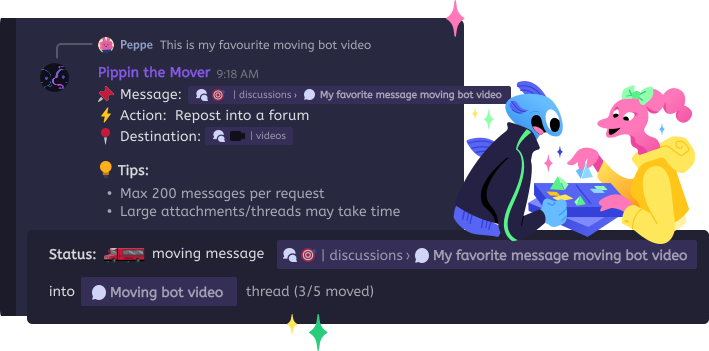
Review the message count and cost on the Review move screen, confirm, and watch the progress — cancel any time. Afterwards, choose whether to keep the original thread.
How Pippin helps
Webhook reposting keeps every reply attributed to its original author with the right nickname and avatar, in the original order.
Recreated threads open with the original author, timestamp, and a jump link to where the conversation started — readers always have the full story.
Pippin checks your Manage Messages permission and its own access up front, and verifies thread-creation permissions for the destination before offering the option.
Support triage, event planning, modmail, community projects — move the thread where your structure says it belongs, even months after it started.
Thread moves count every message against your monthly move quota — a 40-reply thread is 41 moves, plus one more if Pippin creates a new thread at the destination.
Messages keep their order, but Discord reply links inside the thread become regular sequential messages at the destination.
If the whole thread was moved, Pippin can delete the original thread itself; if only part moved, it deletes just those messages — always after asking.
One operation handles up to 200 messages; split very long threads across two runs.
Join the Pippin Discord to try message, thread, forum-post, and conversation moves in a live test environment with no subscription, no credit card, and no move limits on the support server.
 Join & try for free
Yes. Open the thread, right-click its first message, choose Apps → Move, pick the destination, and choose 'All below'. Pippin moves every message in the thread, in order, attributed to its original author.
Yes. Run Move inside the private thread and pick any destination — and if you want the conversation to stay private, choose 'Yes (private)' when Pippin asks whether to wrap the messages into a new thread.
Any text or announcement channel (flat, or wrapped into a new public or private thread), an existing thread, an existing forum post, or a forum channel — which turns the conversation into a new forum post.
When Pippin creates a thread at the destination, it copies the auto-archive duration from the original, auto-generates the name from the source content, and opens with a disclaimer crediting the original author and linking back to the source.
Yes. The progress bar shows a Cancel button throughout the move. Messages already moved stay at the destination; the rest remain in the original thread.