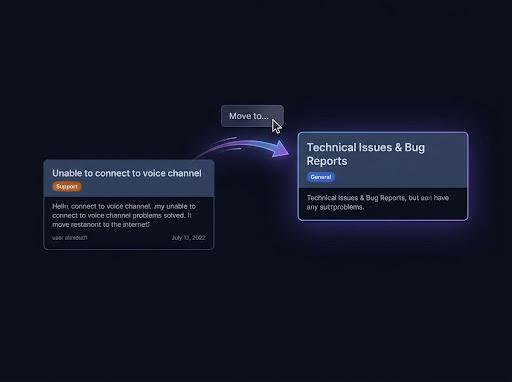
Keep the originals, get a copy
Every Pippin move ends with a choice: delete the originals or keep them. Keep them, and the move is a copy.
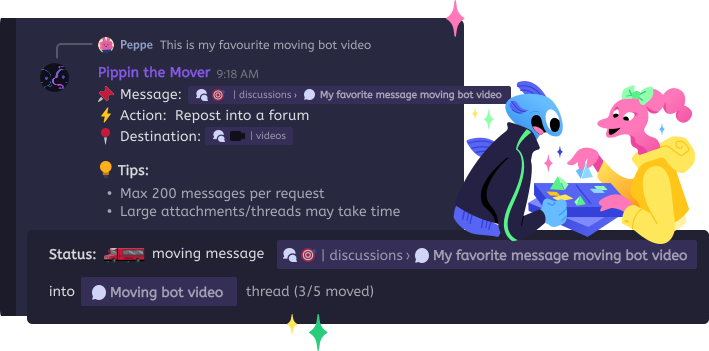
Pippin copies Discord messages to another channel, thread, forum, or server and keeps each author's name and avatar. A copy is a move where you keep the originals: run Apps → Move, then choose Keep originals. One run copies up to 200 messages with their media, reactions, and order.
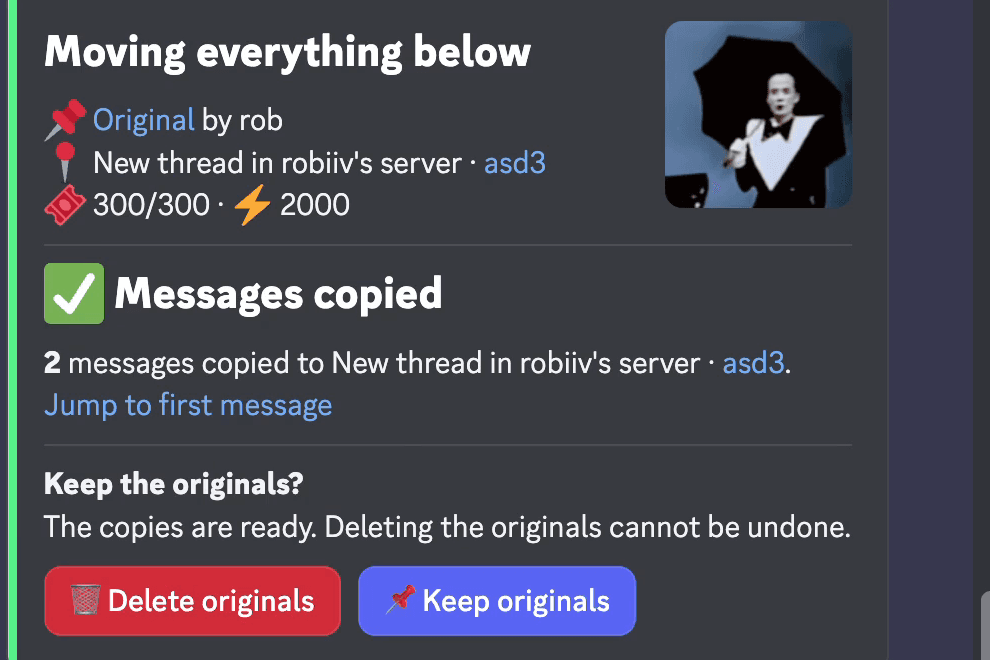
Every Pippin move ends with a choice: delete the originals or keep them. Keep them, and the move is a copy.
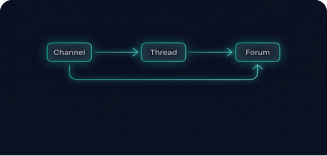
Copy into a channel, thread, forum post, or private thread in this server, or into a channel in another server where Pippin is installed.
Copy-paste posts as you, and Discord's Forward drops the author. Pippin's copies show each author's name and avatar.
Copying a Discord message posts it again in another place and leaves the original where it was. Moving does the same and then deletes the original. Discord has no command for either one.
Pippin does both with one command. Apps → Move posts the messages at the destination. Afterwards Pippin asks whether to keep the originals. Delete them and you moved the conversation. Keep them and you copied it.
Step by step
Right-click the first message to copy, or open ⋯ on mobile, then Apps → Move. In a text channel the wizard opens in a private setup thread, so nothing clutters the channel.
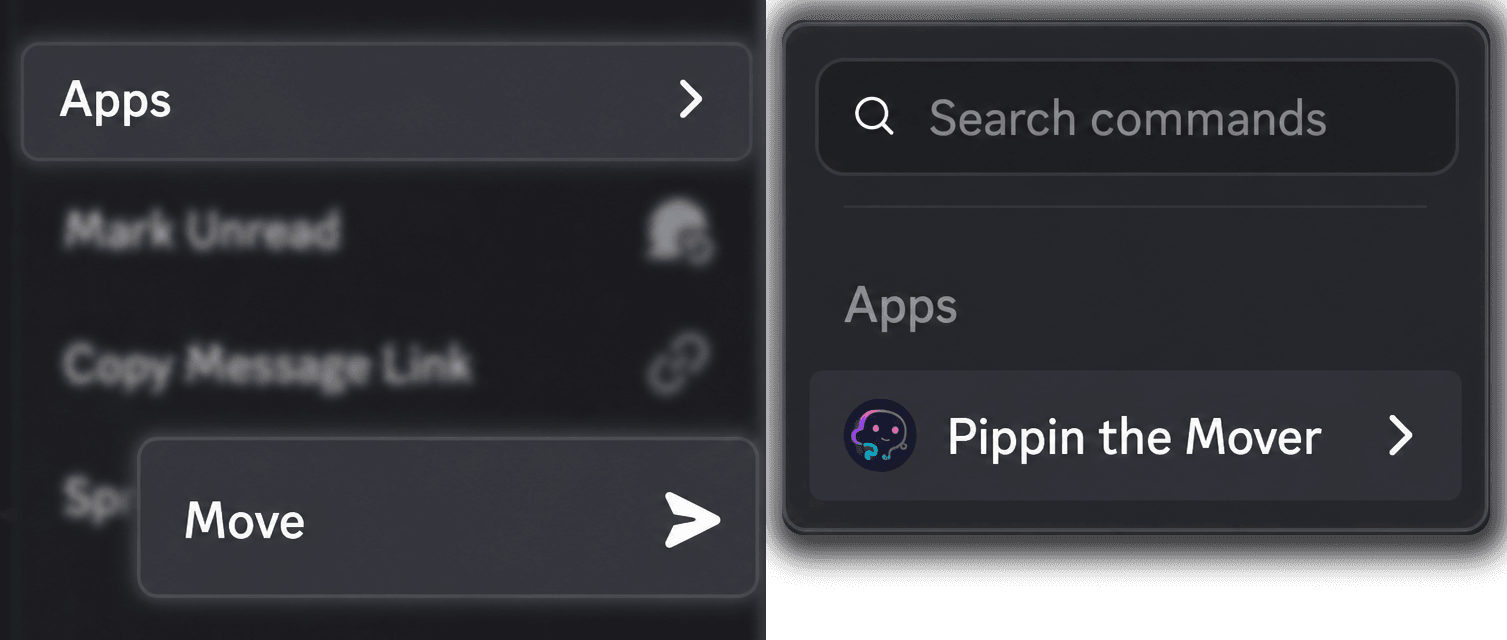
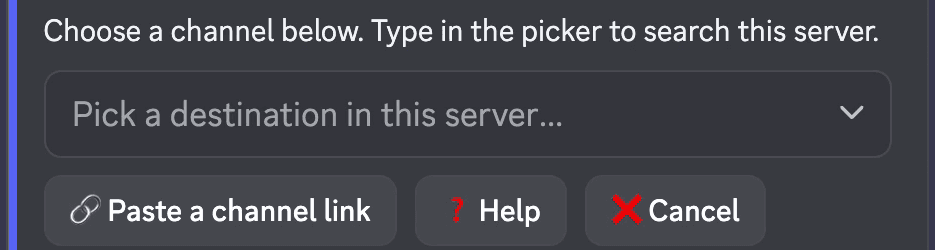
Search for a channel, thread, forum post, or forum in the picker, or paste a channel link.
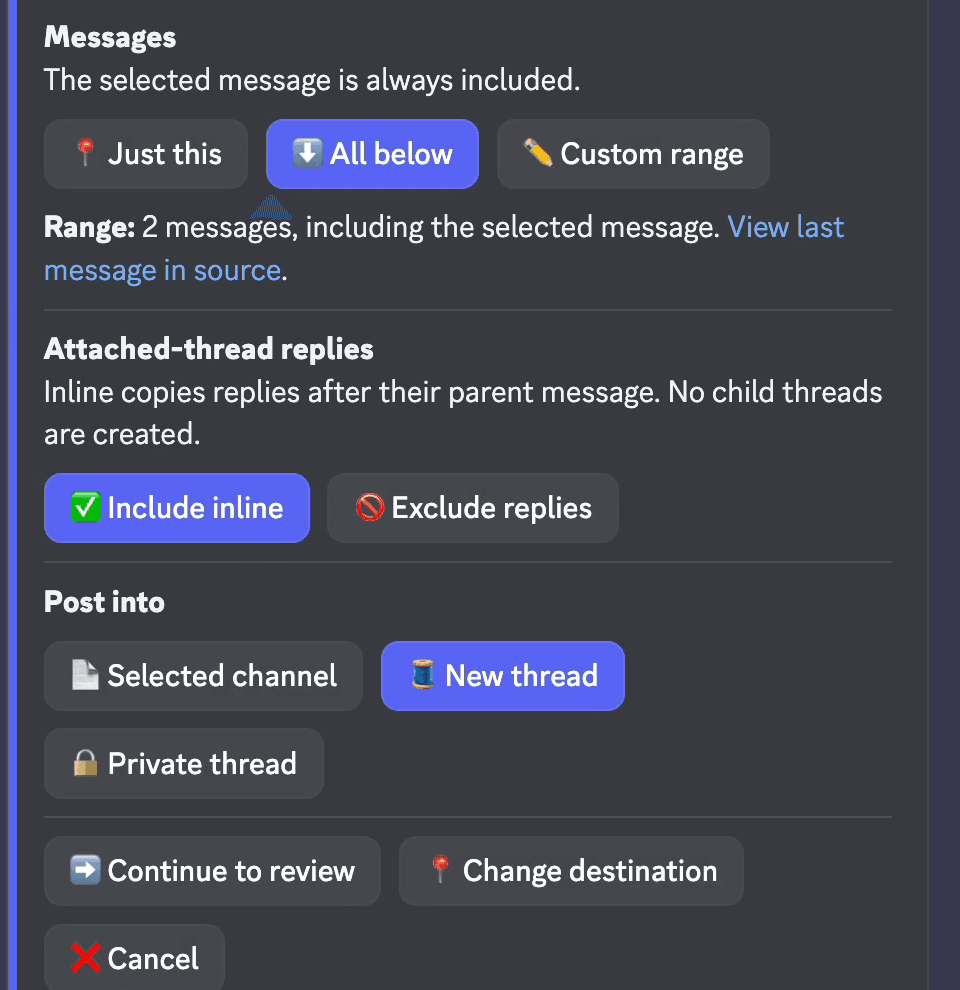
Just this message, all below, or a custom range up to 200. Pippin previews the last message in the range. For a text channel you can also post into a new thread or private thread.
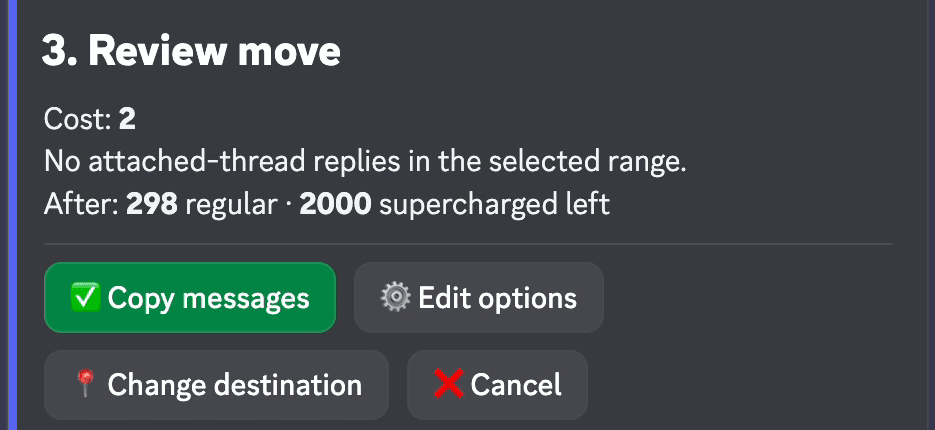
Review move shows the cost and your remaining moves before anything is posted. Select Copy messages to start.
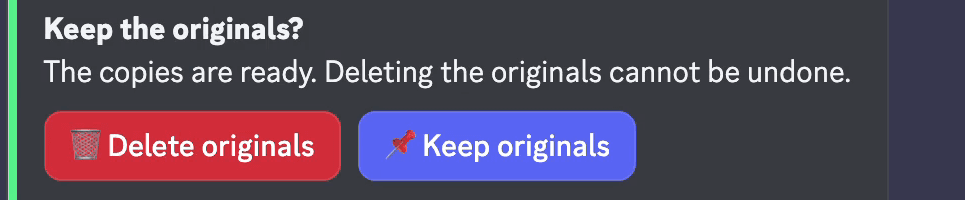
When the copies are ready, Pippin asks Keep the originals? Choose Keep originals, or don't answer: the originals stay either way.
Start with Apps → Move cross server instead of Move. Pippin gives you a one-time /move-link command to run in the target server, and the same Move settings and review follow there. Choose Keep originals at the end and the conversation exists in both servers.
Pippin must be installed in both servers, and you need access in both. The source server's monthly moves pay for the copy, on every tier including free.
Start Move on the first message and choose All below. Pippin previews the last message in the range, then copies up to 200 messages in their original order. For a longer channel, start the next run on the first message that was not copied.
This is also a safe way to archive a channel before you delete it: copy it into an archive channel or server, keep the originals until you have checked the copy, then delete the old channel yourself.
Some tools that copy messages between servers run on your personal Discord account token instead of a bot account. Discord's rules do not allow automated user accounts, so those tools put your account at risk.
Pippin is a regular Discord bot. You add it to your server, and it posts copies through webhooks in that server. It copies when you run a move. It does not mirror a channel in real time.
How Pippin helps
Pippin reposts through webhooks, so each copy shows the original author's server nickname and avatar.
Attachments, GIFs, and links stay with the message. Embeds are copied. Emoji reactions are recreated.
Messages arrive in the order they were sent. Reply links arrive as ordinary messages in that same order, because Discord does not let a bot recreate them.
Copy just this message, all below, or a custom range up to 200, and preview the last message before you confirm.
Copies are new messages with new IDs and timestamps. Edits and deletions of the original do not reach the copy.
Pippin copies when you run a move. It does not keep two channels in sync.
Each copied message counts as one move against the source server's monthly quota. The free tier includes 300 moves per month.
The originals are deleted only if you choose Delete originals after a successful copy. If you do not answer, they stay.
Step by step
Join the Pippin Discord to try message, thread, forum-post, and conversation moves in a live test environment with no subscription, no credit card, and no move limits on the support server.
 Join & try for free
Discord Forward cells are from Discord's Message Forwarding help article, checked on 19 October 2026. Pippin cells are from pippin.gg and docs.pippin.gg.
| Copy-paste | Discord Forward | Pippin | |
|---|---|---|---|
| Original author shown | No, it posts as you | No, it is labeled Forwarded without the author | Yes, the author's server nickname and avatar |
| Messages per action | One, by hand | One message, to at most 5 places | 1 to 200 per run |
| Attachments | Download and upload them again | Included | Re-uploaded with the message |
| Reactions and order | Lost | One message at a time | Reactions recreated, order kept |
| Another server | Yes, by hand | Yes | Yes, with Pippin in both servers |
| Follows later edits | No | No | No, a copy is a snapshot |
Discord can only forward one message at a time, without the author. With Pippin, right-click the first message and choose Apps → Move. Pick the destination channel, choose the messages on Move settings, and select Copy messages. When Pippin asks Keep the originals?, choose Keep originals. The messages now exist in both channels, and each copy shows the original author's name and avatar.
Yes. Start with Apps → Move cross server instead of Move, run the /move-link command it gives you in the target server, and choose Keep originals at the end. Pippin must be in both servers. The source server's monthly moves pay, on every tier including free.
Start Move on the first message you want and choose All below. One run copies up to 200 messages in their original order. For a longer channel, start a second run on the next message. Choose Keep originals each time so the source channel stays as it is.
Not with Discord's Forward button. It sends one message at a time, to at most 5 places, and labels it Forwarded without the original author. Pippin copies 1 to 200 messages in one run and keeps each author's name and avatar.
No. A copy is a new message posted at the time you ran the move, with a new message ID and timestamp. Later edits or deletions of the original do not change it. Pippin is not a live mirror.
Yes. A copy is a move where you keep the originals, so each copied message counts as one move against the server's monthly quota. The free tier includes 300 moves per month.